AI in logistics speeds up the paperwork and coordination that slow shipments down: reading documents, turning RFQs into quotes, matching carrier updates to orders, and flagging billing errors across the systems you already use. For mid-market logistics teams, the best first step is one repetitive workflow where faster processing and fewer errors show up as better service you can measure.
Most of the value comes from connecting information to action. A customer email becomes a reviewed quote. A carrier update lands on the right order. An invoice discrepancy goes to someone who can approve or dispute it. Each of those frees up your team for exceptions and customer relationships. For a step-by-step view of one high-volume process, see how an invoice processing workflow runs from email capture to ERP posting.
Start with a defined result. You should be able to name the work being completed, the person accountable for it, and the evidence that service got better.
Where Does AI Help Logistics Teams Today?
The strongest starting points are document-heavy work and communication between disconnected systems. Shipment visibility becomes much more useful when a new piece of information triggers a customer update or an exception with a clear owner.
Turning RFQs and Customer Emails Into Quotes and Orders
A digital employee reads an incoming RFQ, pulls requirements from the attachments, retrieves approved pricing, and prepares a quote for review. Once the customer accepts, the approved details flow into an order record.
Our Quoting Digital Employee follows this pattern. In one example, an RFQ becomes a ready-to-send quote in about 2.1 hours, with 8× faster quote responses and up to 80% less manual data entry. Results in your operation depend on scope and how your systems are set up.
For logistics quotes, check lane details, shipment dimensions, service requirements, and rate validity before anything goes out. Dynamic pricing also needs clear margin limits and approval rules.
Coordinating Shipment Status Updates and Carrier Communication
Shipment coordination combines real-time tracking with what comes in through carrier emails and your own systems. A digital employee matches each update to the right shipment, checks its timestamp, and drafts the right message.
Base customer updates on the latest verified event. An estimated arrival time should always be labeled as an estimate, especially when tracking sources disagree.
This cuts down on repeated “where’s my shipment?” checks and improves the customer experience. Your team should still get an escalation when a carrier goes quiet or the data goes stale.
Validating Invoices and Flagging Freight Audit Exceptions
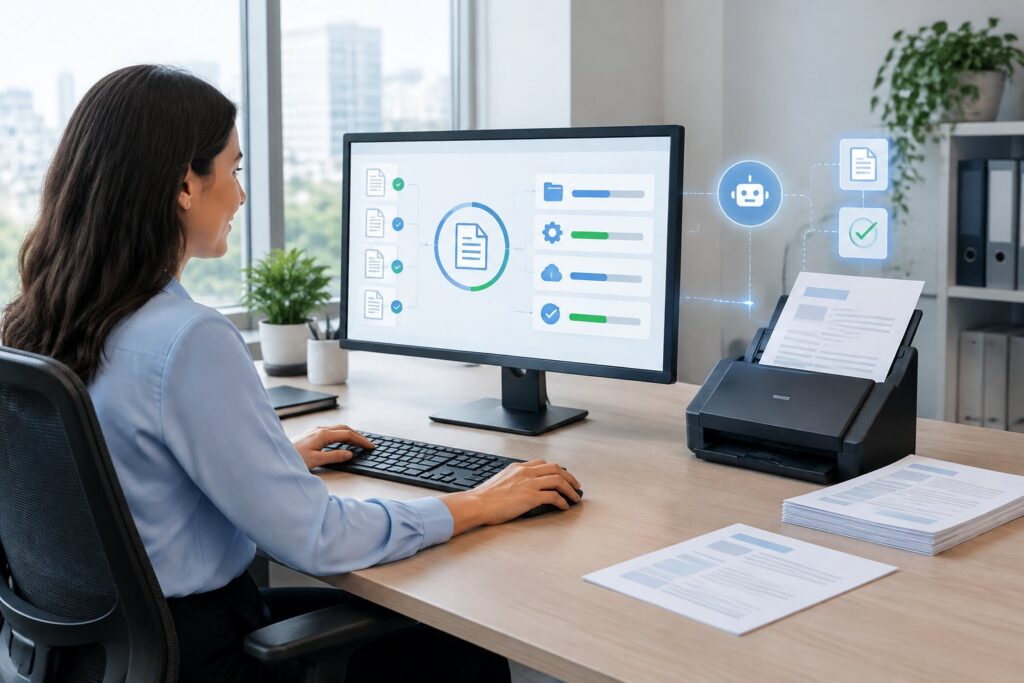
Invoice processing starts with extracting the charges and matching them to supporting records. For freight audit, the workflow checks agreed rates, shipment references, duplicate invoices, and accessorial documentation.
Set tolerances separately for each charge type. A small fuel surcharge difference and an unsupported detention charge need different evidence and different reviewers.
Purchasing workflows benefit from the same discipline. AI in procurement connects request intake and supplier follow-up, which keeps the records you need for invoice review later.
Resolving Delivery Exceptions With Human Oversight
A good exception workflow detects the problem, gathers the history, and assigns the next step. Think of a missed appointment, an incomplete delivery document, or a shipment with conflicting status updates.
Keep commercial commitments and high-impact changes with authorized people. The digital employee should put the evidence, the proposed response, and the approval deadline in front of them in one place.
During disruptions, escalation queues also need priority rules. A temperature-sensitive load or a shipment that’s stopping a customer’s production line comes before a routine paperwork delay.
Improving Demand Forecasting, Inventory, and Replenishment
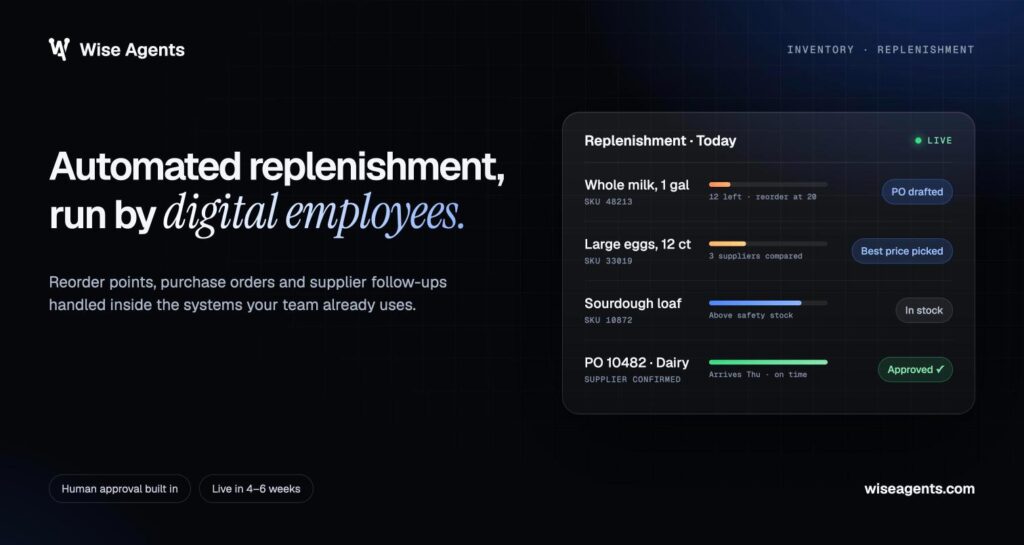
Demand forecasting uses historical patterns and business signals to estimate future needs. Inventory management turns those estimates into replenishment decisions using lead times, service targets, and stock on hand.
Measure forecast performance by SKU group and planning horizon. Overall accuracy can hide persistent misses on slow-moving items or products with long lead times.
A coordination workflow helps with execution by chasing missing inputs and routing proposed purchase orders for approval. Any forecasting model still needs to be tested against the method your team uses today.
Optimizing Routes and Last-Mile Delivery
Route optimization looks for the best delivery sequence within real constraints: vehicle capacity, appointment windows, driving restrictions, and time at each stop.
Test proposed routes against actual conditions before you release them. A route that saves miles on paper isn’t worth much if the truck can’t get to the dock.
In last-mile delivery, communication is another easy place to start. Confirming addresses and delivery windows ahead of time lets dispatchers fix problems before the driver arrives.
How Do Digital Employees Differ From Physical Automation?
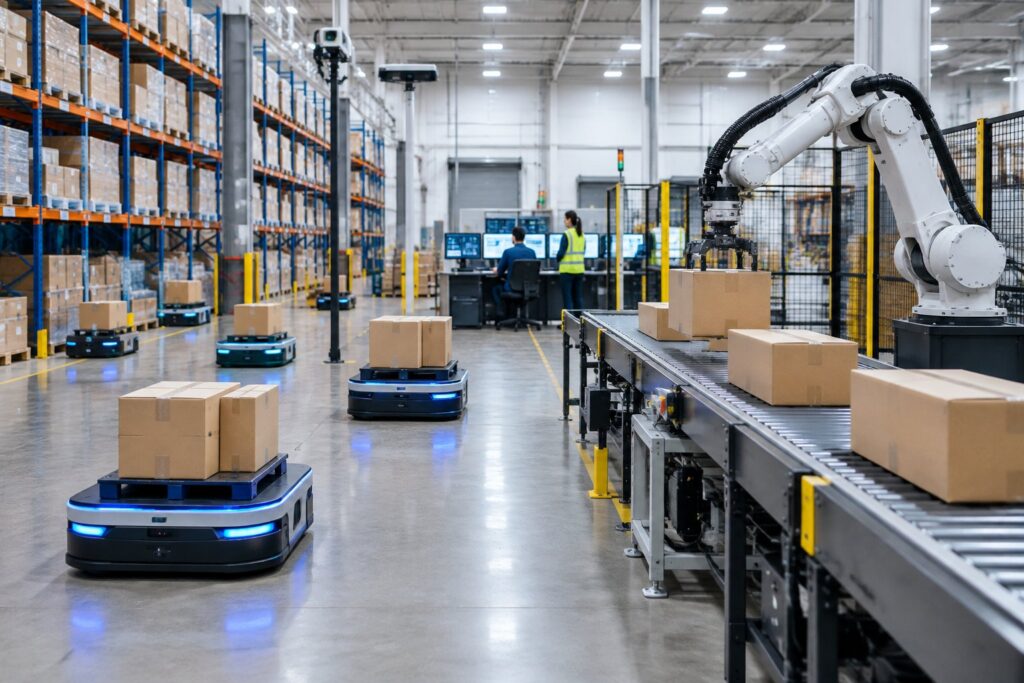
Digital employees do information work across software systems. Physical automation moves or inspects goods with equipment. AI supports both, but they’re implemented and measured very differently.
Generative AI for Documents, Conversations, and Coordination
Generative AI uses large language models to read and write language. Combined with natural language processing, it can pull details out of emails, summarize a shipment’s history, and draft replies.
We build digital employees around the complete workflow, including the systems and approvals involved. A good result means the right record gets updated and you can trace how the work was completed.
Your acceptance criteria should separate extracted facts from generated suggestions. Shipment IDs and quoted amounts must be checked against the system of record.
Machine Learning and Predictive Analytics for Planning
Machine learning finds patterns in historical data and applies them to new cases. Predictive analytics uses that to estimate things like transit times or demand.
Compare predictions with your current baseline on data the model hasn’t seen. Include peak seasons and disruption periods in that test.
Optimization is a separate capability: picking the best action within constraints. A routing engine still needs to produce a workable plan even when its transit-time estimates aren’t perfect.
Computer Vision and Robotics in the Warehouse
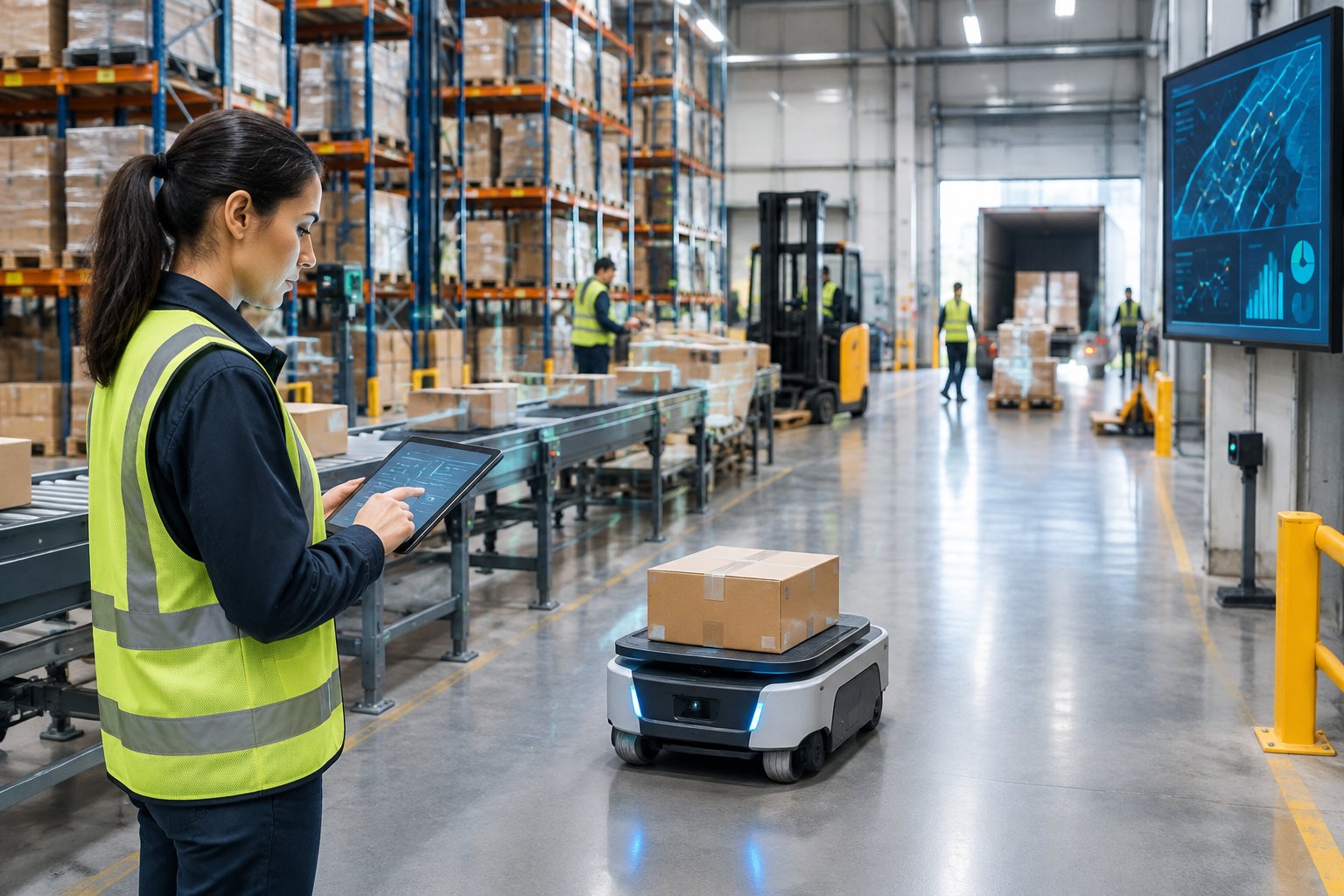
Computer vision reads images or video for tasks like scanning labels and spotting damage. Warehouse automation pairs that sensing with equipment that sorts, moves, or handles goods.
These projects need to be evaluated site by site. Lighting, packaging variation, equipment interfaces, and worker safety all affect whether they work.
Predictive maintenance has its own requirements, like usable equipment history or sensor data. Success with document processing doesn’t mean you’re ready for a maintenance prediction project.
Autonomous Vehicles and Drones Have Different Requirements
Autonomous trucks and drone delivery operate in the physical world, where safety rules and regulations drive the timeline. Weather, vehicle limits, and interaction with people all matter.
For US operations, check the road or aviation rules that apply before estimating a rollout. Geography and operating permissions decide what’s feasible.
Software-based coordination is a different scope entirely. Updating an order or drafting a carrier message doesn’t require any new transport equipment.
How Can You Implement AI Without Replacing Existing Systems?
Connect a managed workflow to the systems you already run, and keep clear ownership of every operational record. That lets you add automation around one bounded process instead of starting a big system replacement.
Choose a First Workflow With Clear Inputs, Ownership, and Volume
A strong first workflow has recognizable incoming work, a named owner, and enough recurring volume to measure. Shipment status requests and invoice intake are good candidates when their rules are written down.
Before you pick one, answer these questions:
- What event starts the work?
- What information is required?
- Who approves actions that matter?
- What counts as done?
- Which exceptions need escalation?
Our supply chain automation guide covers the handoffs between systems in more detail. Keep your first scope within what one operational owner can approve and resolve.
Connect the TMS, WMS, ERP, and Inbox
Integration starts with deciding which system owns each field. Your TMS might own shipment status, your WMS owns fulfillment events, and your ERP owns billing records.
Map shared identifiers before turning on any updates. Shipment numbers, order references, and customer IDs need to line up consistently, including when records arrive late or messages come in twice.
Systems we connect with include Oracle NetSuite, SAP S/4HANA, Syspro, Epicor, Coupa, SAP Ariba, HubSpot, QuickBooks, Xero, and Outlook. Connecting your specific TMS and WMS starts with a scope review of the available interfaces and allowed actions.
Set Approval Rules, Access Controls, and Escalations
Approval rules define what the workflow can finish on its own and what needs a person’s decision. Access controls should limit each connection to the data and actions it actually needs.
Use separate approval thresholds for price changes, customer commitments, and financial transactions. Unclear records should go to an exception queue with an owner and a response deadline.
Inbound documents need safeguards too. Instructions hidden inside an email or attachment should be treated as outside content, and only your approved workflow rules should decide what actions get taken.
Pilot a Managed Workflow Before Expanding
A managed pilot lets you compare AI-driven work against your current performance in a controlled way. Start with representative records, then move to live work under agreed approval conditions.
Wise Agents provides a managed service that covers the design, build, and ongoing operation of tailored digital employees. For mid-market supply chain companies, the typical time from kickoff to go-live is 4–6 weeks, depending on system complexity and integrations.
Expand only once completed work proves the case. Agree on accuracy and service thresholds before the pilot starts, along with a recovery plan for when an integration fails.
How Should You Measure Costs, Benefits, and ROI?
Measure ROI from accepted operational results, and report freed-up capacity separately from actual cash savings. Include the full cost of delivery and the work people still do.
Set Baselines for Processing Time, Errors, and Service Levels
A baseline records how the workflow performs before deployment. Capture a representative period that includes both routine work and exceptions.
Measure active handling time separately from total completion time. A request might need only a few minutes of data entry but sit for hours waiting on missing information.
Useful measures include:
| Measure | Definition |
|---|---|
| Handling time | Human minutes spent per completed case |
| Completion time | Elapsed time from intake to accepted result |
| Error rate | Cases needing correction divided by completed cases |
| Service level | Cases completed within the agreed deadline |
| Exception rate | Cases needing human intervention divided by total cases |
Keep the definitions the same throughout the pilot. If the way cases are classified changes, the improvement can look bigger than it is.
Separate Freed-Up Capacity From Cash Savings
Freed-up capacity means your team has time for other work. Cash savings only happen when spending actually drops, like less overtime or an outside processing fee you no longer pay.
As a hypothetical example: if 2,000 requests a month each take six fewer minutes of human work, that frees up 200 hours a month. At an assumed loaded cost of $35 an hour, that capacity is worth $7,000 a month.
Report that as capacity value unless payroll or another expense goes down. Commercial gains, like extra margin from more orders, need their own evidence.
Account for Implementation, Ongoing Service, and Exceptions
Total cost includes setup and integration, recurring service charges, and internal effort. Human review is part of the cost whenever the workflow needs approvals.
Use one consistent formula:
ROI = (realized financial benefits − total project costs) ÷ total project costs × 100
Your cost model should also cover workflow changes and time spent investigating failed cases. Be clear about whether payback covers only implementation or all project spending.
Track Reliability and Sustainability Too
Reliability measures show whether faster throughput holds up under pressure. Track unresolved exceptions, recovery time after integration failures, and the accuracy of customer-facing updates.
Measure resilience by how quickly you respond to disruptions and recover service. A workflow that spots problems earlier still has to prove those alerts lead to useful action.
For sustainability, tie any claim to real changes in transport activity. Fewer empty miles or failed delivery attempts can support emissions calculations when the activity data and emission factors are documented.
Start With One Measurable Logistics Workflow
Pick one recurring logistics workflow with clear completion criteria and approval rules. Quotes, shipment updates, and invoice validation each give you a defined path to better efficiency.
Set a baseline, agree on acceptable error and exception rates, and keep people in charge of decisions that matter. Expand once the live workflow hits those targets.
Want to talk through a starting point? Book a demo with our team. Bring a sample request or document, the names of your current systems, and a rough monthly volume.
Frequently Asked Questions
What are practical examples of AI in logistics?
Good starting points are RFQ processing, shipment status communication, invoice validation, and delivery exception triage. Forecasting and route optimization also help, but they have different data and testing requirements.
Can AI work with our existing TMS, WMS, and ERP?
Yes. Digital employees work across your existing systems, after a review of the available interfaces and permissions. The integration scope should spell out which system owns each record, the shared IDs, and what updates are allowed.
Which logistics workflow should we automate first?
Pick a high-volume workflow with clear inputs, a named owner, and a measurable definition of done. Shipment status requests work well when your tracking data is reliable and the escalation rules are written down.
How long does logistics AI implementation take?
For mid-market supply chain companies, our typical time from kickoff to go-live is 4–6 weeks. Integration complexity and the state of your data affect the schedule.
How much does AI for logistics cost?
Cost depends on the workflow, the integrations it needs, and who handles ongoing operation. To get a useful proposal, share your monthly volume, a few sample documents, your approval requirements, and the systems involved.
Will AI replace logistics jobs?
Digital employees handle recurring work alongside your team, and people keep the approvals and exceptions. Plan for training and for how you’ll use the freed-up time. Automation on its own doesn’t mean cutting headcount.