Invoice processing automation uses software to capture supplier invoices, extract and validate their details, match supporting records, route approvals, and transfer approved bills to an accounting or ERP system. We recommend a connected workflow that gives accounts payable (AP) teams visibility from receipt through posting, with human review at defined decision points.
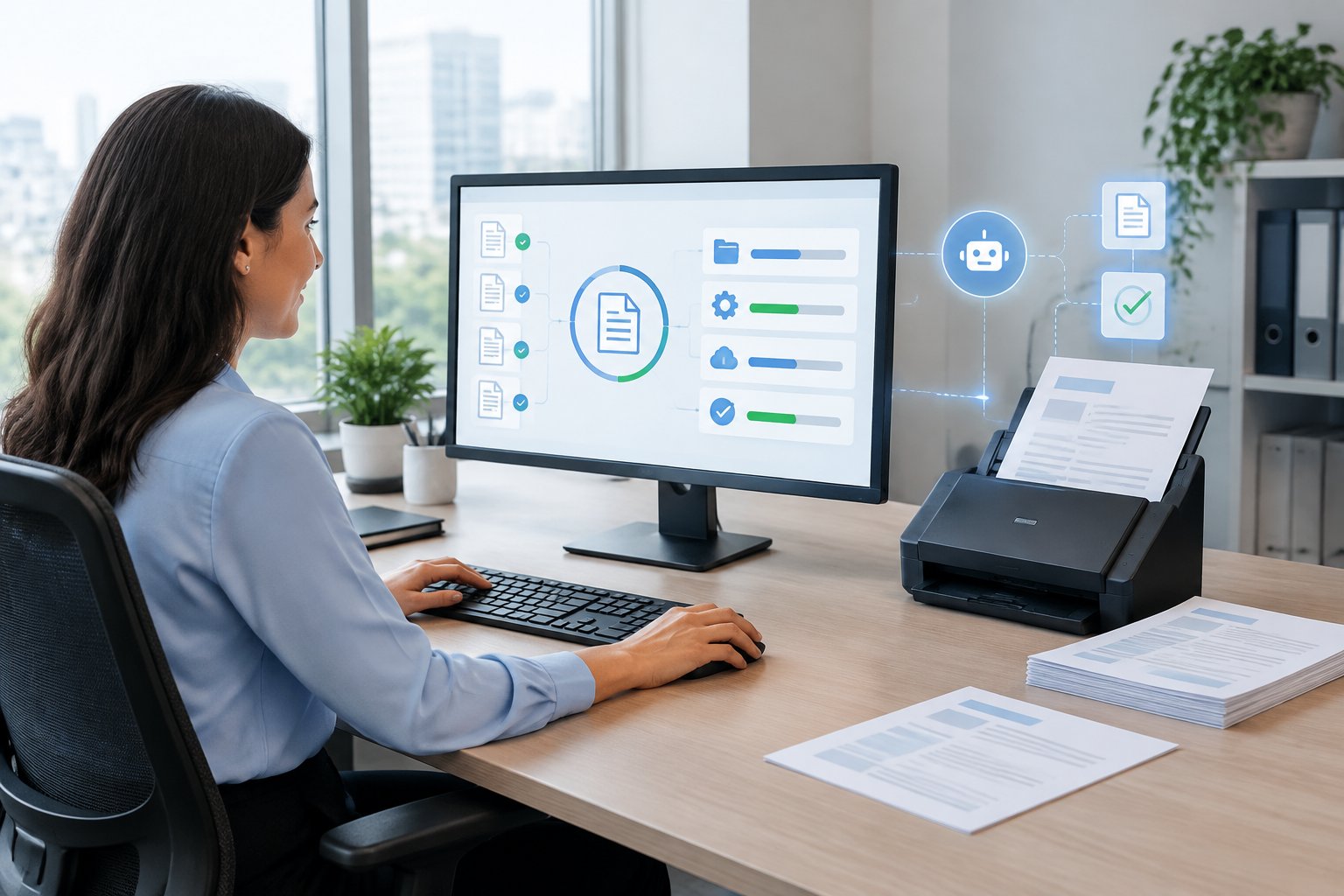
For finance leaders managing email, attachments, and Excel, the immediate opportunity is less manual invoice processing and a clear status for every invoice. That requires reliable checks, assigned exception owners, and approval evidence alongside the original document.
Our approach keeps your existing systems involved. A digital employee coordinates recurring work across them, while your finance team retains authority over exceptions and financial decisions.
What Does an Invoice Processing Workflow Cover?
We define an automated invoice processing workflow as the connected path from invoice receipt to an approved, recorded liability. Its scope should specify where responsibility passes to payment processing and reconciliation.
The Invoice Processing Workflow, Step by Step
A typical invoice processing workflow moves every invoice through the same six steps. Invoice workflow automation takes over the repetitive part of each step, while your team keeps the decisions.
- Receive: invoices arrive by email, through supplier portals, or attached to expense reports.
- Capture: each document is read and the supplier, amounts, dates, and line items are extracted.
- Validate: company names, tax IDs, and totals are checked, and duplicates are flagged.
- Match: each invoice is compared with its purchase order and goods receipt.
- Approve: invoices go to the right approver based on amount, supplier, and cost center.
- Post: approved invoices are recorded in the ERP, ready for payment.
The sections below cover each step and where automation helps most.
Where Invoice Processing Ends and AP Automation Begins
Invoice processing covers the document and its approval journey, including capture, validation, matching, and posting. Accounts payable automation, or AP automation, extends across the wider invoice lifecycle to supplier administration, payment automation, remittance information, and invoice reconciliation.
We recommend documenting the endpoint before selecting a service. An approved bill in the ERP has reached a different stage from a released payment or a reconciled bank transaction.
Capture Invoices from Email and Extract the Data
Invoice capture starts by collecting vendor invoices from designated inboxes and other approved channels. The workflow extracts header information and line items while retaining the original attachment and its arrival time.
We include fields such as supplier identity, invoice number, currency, dates, quantities, tax, and totals in the capture specification. Each invoice also needs a tracking identifier so that a forwarded email or resubmission does not create an unrelated record.
Validate Company Names, Tax IDs, and Invoice Details
Validation compares extracted information with approved business records. Checks should cover the billed legal entity, relevant tax ID, supplier identity, invoice arithmetic, and required references.
We recommend separating a document-reading error from an incorrectly issued invoice. Your reviewer can correct an extraction error against the original document; an invoice issued to the wrong company needs supplier correction under your accounting policy.
Match Invoices to Purchase Orders and Receipts
Invoice matching tests whether the supplier’s request agrees with the authorized purchase. Two-way matching compares the invoice with purchase orders; three-way matching, also called 3-way matching, adds receiving evidence.
For manufacturers and distributors, we recommend line-level checks that account for partial deliveries and units of measure. Your policy should define acceptable variances and identify who resolves a missing receipt, excess quantity, or price discrepancy.
Route Approvals and Post to the ERP
Approval workflows direct invoices to authorized people using criteria such as legal entity, department, amount, and exception type. After approval, ERP posting transfers the accounting information and preserves the connection to supporting evidence.
We recommend testing failed-posting behavior as carefully as successful posting. Dynamics 365 Finance supports posting simulation without updating accounts, illustrating a useful validation step to consider when assessing ERP capabilities.
Connect Expense Reports and Supporting Documents
Expense reports need a connected record of the employee’s submission, receipts, business purpose, coding, and approval status. Document automation should preserve those relationships when information moves into accounting.
We recommend applying expense-specific policies within the same invoice management environment where appropriate. Reimbursement eligibility and employee approval rules still need their own configuration, even when supplier invoices and expense reports share a document repository.
How Do Digital Employees Handle Exceptions and Preserve Control?
Our digital employees coordinate work across business systems and route decisions for human review where the process requires it. For invoice workflows, control comes from explicit permissions, validation rules, and recorded decisions.
Where OCR and Fixed Rules Fall Short
Optical character recognition (OCR) converts text in scanned documents into machine-readable information. Invoice OCR alone does not establish whether the company received the goods or whether a supplier’s new bank details are legitimate.
Fixed rules work well for explicit conditions, including required fields and approval thresholds. We recommend testing their behavior against unfamiliar layouts, credit notes, poor scans, and inconsistent descriptions before allowing straight-through processing.
How AI Interprets Documents and Coordinates Follow-Up
Intelligent document processing (IDP) combines document recognition with interpretation and classification. Artificial intelligence (AI) and machine learning (ML) support extracting information from varied documents and proposing how that information relates to business records.
In our managed workflows, digital employees also retrieve records and coordinate follow-up across connected systems. A missing receipt, for example, should become a task for the receiving owner with the relevant invoice and purchase order attached.
We recommend keeping AI and machine learning outputs subject to explicit business checks. A plausible interpretation still needs evidence before it drives an accounting action.
When Exceptions Need Human Approval
Human approval belongs at decision points involving authority, uncertainty, or payment risk. Examples include suspected duplicates, unresolved legal-entity mismatches, material price variances, and changes to supplier payment information.
We recommend giving reviewers a complete decision package: the original document, relevant records, the discrepancy, and the requested action. After resolution, the workflow should resume from the appropriate stage and retain the reviewer’s decision.
Touchless invoice processing should apply only to an agreed eligible population. Your team should approve those eligibility rules before deployment.
Protect Vendor Data and Maintain an Audit Trail
Vendor master data needs controlled ownership and restricted update permissions. Segregation of duties should separate supplier maintenance, invoice approval, and payment release according to your finance policies.
We recommend independent verification of bank-detail changes through an established contact method. Fraud detection flags support that process; the verification decision remains governed by your controls.
The audit trail should retain the original input, extracted values, checks performed, corrections, approvals, and posting outcome. Access controls should also prevent a digital employee from exercising authority beyond its assigned workflow.
A Real Rollout: Invoices and Expense Reports at a Colombian Company
One of our clients, a Colombian company, brought invoice and expense management into one centralized system after going live with a Wise digital employee on October 15, 2026. These are early operational observations.
Centralizing Around 700 Monthly Invoices After Go-Live
The company processes around 700 invoices a month through the centralized system. Before deployment, its invoice management work ran through emails, attachments, and Excel.
Our digital employee connects invoice and expense handling within that shared environment, so every area works from the same information.
An Estimated 70% Less Report Preparation Time for Sales Reps
The rollout included 50 trained sales representatives. They estimate about 70% less time to put together their reports and attach supporting documents.
We treat that figure as an employee estimate of preparation time. It describes the reporting task and should remain separate from measured AP cycle time or a claim of cash savings.
Flagging Incorrect Company Details in Real Time
Invoices issued with the wrong company name or ID number are flagged in real time so the supplier can correct them right away. Before deployment, obtaining a corrected invoice could take up to a week.
Our workflow surfaces the discrepancy while the document is being handled. The supplier remains responsible for issuing the corrected invoice.
How Do You Measure Costs and Operational Value?
We measure invoice automation against a documented baseline of processing effort, elapsed time, exceptions, and total service costs. A credible business case distinguishes released staff capacity from changes to cash expenditure.
Calculate Cost per Invoice and Total Service Costs
Cost per invoice equals the total cost of the defined process divided by the number of invoices completed during the same period. Include AP labor, approver time, exception handling, document storage, and relevant system costs.
We recommend comparing equivalent boundaries before and after deployment. If your baseline ends at ERP posting, keep payment transaction fees outside both calculations or report them separately.
For service evaluation, request a complete cost schedule:
- Discovery and implementation.
- Integration and data preparation.
- Recurring platform or operating fees.
- Usage charges and overages.
- Training and ongoing support.
- Maintenance when systems or workflows change.
Track Approval Time, Exception Rates, and Touchless Rate
AP efficiency needs measures that distinguish active work from waiting. We recommend recording receipt-to-approval time separately from the minutes employees spend handling an invoice.
| Metric | Practical definition |
|---|---|
| Approval time | Elapsed time from receipt to completed approval |
| Exception rate | Invoices requiring exception handling divided by invoices received |
| Touchless rate | Eligible invoices completed without human intervention divided by all eligible invoices |
| Posting success rate | Successful ERP postings divided by attempted postings |
| Human handling time | Staff minutes spent per completed invoice |
Keep the touchless-rate denominator visible. Reporting only eligible invoices without showing excluded volume obscures how much work still reaches your team.
We also recommend reviewing recurring exception categories. Repeated missing receipts point to a different operational problem from repeated extraction corrections.
Separate Released Capacity from Cash Savings
Released capacity is time your existing team gains for other responsibilities. Cash savings arise when an identifiable expense decreases, such as overtime, outsourced processing, or late fees.
We recommend reporting these benefits separately in an accounting automation business case. If staffing expenditure stays unchanged, value the time released as operational capacity and identify the work your team will absorb with it.
Avoid counting the same benefit twice. Reduced handling time and increased invoice throughput might describe two effects of the same capacity improvement.
Assess Supplier Responsiveness and Early Payment Discounts
Supplier performance deserves its own measures, including response time to correction requests and the age of unresolved disputes. Faster internal approval supports vendor relationships when your team also communicates clear status information.
We recommend recording early payment discounts only when the supplier offers them and your company captures them. Treasury should assess the discount against liquidity requirements and the cost of funding early payment.
Track discount opportunities, discounts taken, and missed opportunities separately. This keeps potential value distinct from realized financial benefit.
How Can You Start with One Connected Workflow?
We recommend starting with a high-volume invoice workflow that has identifiable owners and accessible records. A focused pilot gives your finance team a controlled way to assess integration and review rules before expansion.
Choose a High-Volume Process and Measure the Baseline
Choose a workflow with recurring volume, such as emailed supplier invoices for one legal entity or expense reports for one business group. Document its start point, completion point, and exception owners.
We recommend measuring invoice processing costs and handling time before changing the process. Include time spent chasing missing information, since that effort is easily overlooked in a baseline limited to data entry.
If purchase-order quality is a recurring problem, include the relevant procurement workflow in discovery. Missing authorization or receiving information affects downstream matching.
Evaluate Software and Managed Delivery Against Actual Invoices
Evaluate invoice automation software using representative documents from your own operation. Include non-PO invoices, credit notes, partial receipts, duplicate submissions, and expense reports with incomplete evidence.
We recommend comparing invoice processing software and managed delivery on operational responsibility. Establish who configures approval workflows, investigates failed integrations, monitors exceptions, and maintains the process after launch.
Our tailored digital employees are designed and operated around the customer’s workflow. Your finance team should assess that managed scope alongside the features of automated invoice processing software or broader AP automation software.
Connect Existing Email, ERP, and Procurement Systems
ERP integration requires agreement on the records each system owns and the information exchanged between them. Your design should cover supplier identifiers, legal entities, accounting dimensions, purchase orders, receipt records, and posting status.
Our listed compatibility includes Oracle NetSuite, SAP S/4HANA, QuickBooks, Sage, Coupa, and Tipalti. The required transactions and permissions need to be confirmed for your particular environment.
We recommend documenting how synchronization failures are detected and recovered. Where e-invoicing supplies structured data, preserve that structure and link it to the readable invoice and approval evidence.
Pilot Human Review Rules Before Expanding
Begin the pilot with explicit review requirements and a restricted set of permitted actions. Your finance owners should approve tolerance rules and the conditions that allow an invoice to proceed.
We recommend testing exceptions deliberately. Confirm that the workflow holds suspected duplicates, routes missing receipts to the correct owner, escalates overdue approvals, and records why a reviewer released a blocked invoice.
Review unsuccessful cases before expanding straight-through processing. The pilot should demonstrate that unresolved discrepancies remain visible and assigned.
Plan Deployment, Training, and Ongoing Performance Reviews
Deployment planning should include system access, test cases, reviewer training, and a clear route for reporting problems. Each approver needs to know what evidence to check and how to record a decision.
Our typical kickoff-to-go-live timeframe is 4 to 6 weeks, followed by weekly client performance reviews. System complexity, data migration requirements, and available IT resources affect the schedule.
We recommend using those reviews to compare performance with the baseline and address recurring exceptions. Expansion should follow demonstrated reliability in the initial workflow.
Make Invoice Handling a Connected, Accountable Process
We recommend connecting invoice capture, validation, approval workflows, and ERP posting around a traceable record for every invoice. Human review should remain explicit wherever authority or unresolved risk requires it.
Start with one workflow, measure its current workload, and agree on the evidence required for approval. Track released capacity separately from cash savings, while preserving an audit trail of corrections and decisions.
You can book a demo with Wise Agents to see a digital employee built around your invoice workflow. Bring representative invoices, your approval rules, and a list of the systems involved.
Frequently Asked Questions
What is invoice workflow automation?
Invoice workflow automation uses software to move invoices through capture, validation, matching, approval, and ERP posting without manual handoffs. People still approve exceptions and payments, while routine checks and routing happen automatically.
Can invoice processing be automated directly from an email inbox?
Yes, we support workflows that receive emailed invoices and process their attachments through validation and approval. Your setup should identify the monitored inboxes, permitted attachment types, and handling rules for duplicates or unreadable documents.
What is the best automated invoice processing software for a mid-market company?
For mid-market companies needing managed coordination across email and existing business systems, we recommend evaluating our tailored digital employees against representative invoices. Compare the delivery scope with automated invoice processing software on exception ownership, approval controls, ERP posting, and ongoing maintenance.
Can automation process invoices without purchase orders?
Yes, we recommend a separate non-PO workflow using accounting coding and approval by an authorized budget owner. Supporting contracts or service confirmations provide evidence where applicable, while the approval policy defines what is required before posting.
Can invoice automation work with our existing ERP?
Yes, our approach connects digital employees to the systems your team already uses, with the required integration scope confirmed during discovery. Your evaluation should verify the specific ERP version, available access, accounting fields, and treatment of failed postings.
Are free invoice automation tools enough for approvals and expense reports?
We recommend a free tool for an approval or expense-report workflow only after it meets your documented control requirements. Check reviewer permissions, receipt retention, escalation rules, audit history, and ERP integration before putting live financial records through it.